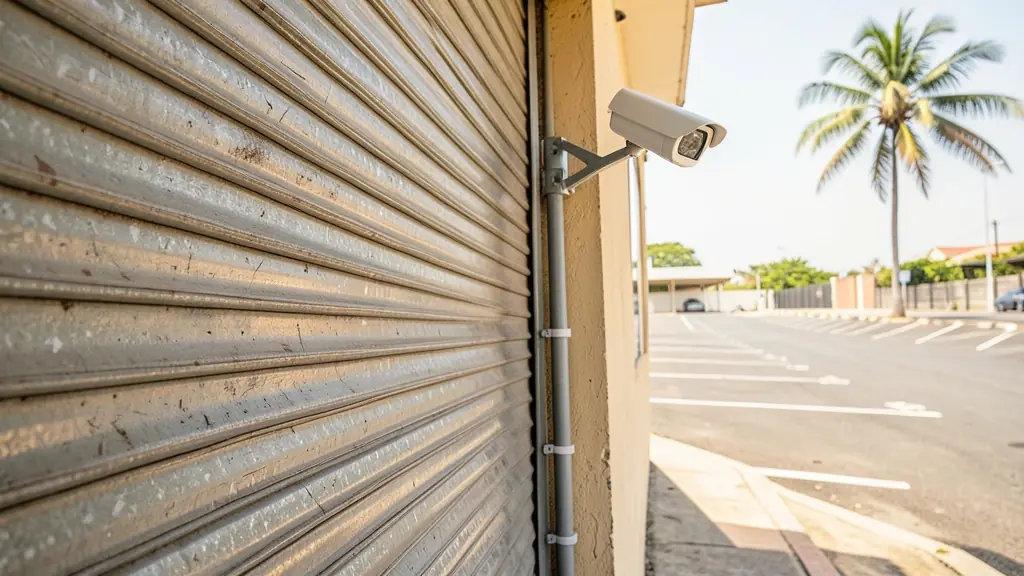
A 4K security camera records about 8 MP, four times the pixels of a 1080p camera, and that sounds like the obvious buy. Sometimes it is. More pixels let you zoom into a recording and still read something, but they also fill the hard drive faster, load your upload line and can turn grainy after dark. This page explains when 8 MP pays off, and when a 4 MP camera with the right lens gives you the better picture.
2 MP, 4 MP, 5 MP and 8 MP side by side
| Resolution | Where it usually fits |
|---|---|
| 2 MP (1080p) | A small room, a stoep, a narrow passage |
| 4 MP | The default for most homes and shops: doors, yards, driveways |
| 5 MP | A step up on some analogue HD systems |
| 8 MP (4K) | Wide scenes where you want detail across the whole frame: a parking lot, a loading yard, a long driveway |
Pixels per metre, faces and number plates
What makes a face readable is how many pixels land on it, not the number on the box. A 2.8 mm lens spreads its pixels over a view about 100 degrees wide, so even at 8 MP a visitor 12 metres away is a smudge. A 6 mm or longer lens narrows the view and puts more pixels on the gate. Installers plan with pixels per metre: enough to recognise a person, more to read a plate. Put your lens and distance into the lens field of view calculator and see the result before paying for extra resolution.
What the extra pixels cost you
- Storage: an 8 MP stream needs roughly twice the space of 4 MP, so the drive that kept a month may keep two weeks. Check with the camera storage calculator.
- Bandwidth: watching four 4K cameras live on a phone away from home can choke a modest fibre upload.
- Low light: cram 8 MP onto a small sensor and each pixel catches less light, so cheap 4K cameras often look worse at 2 am than a good 4 MP.
- The recorder: older NVRs may not decode 4K on every channel. See NVR recorders.
When 4 MP with the right lens wins
For one door, one gate or one till, a 4 MP camera with a lens matched to the distance usually gives the clearer face, the better night picture and the smaller drive. Spend the difference on a varifocal lens, a proper IP camera with a larger sensor, or one more camera for the blind side. Save 8 MP for wide scenes where you will zoom into the footage afterwards.
What to put in your request
- Say what you need to read: faces, plates, the till
- Give the distance from camera to subject
- Say how many days of footage to keep
- Mention your fibre upload speed
- Ask for a 4 MP option to compare
4K Security Cameras: who asks for them and why
- Freestanding houses: one 8 MP camera over the long driveway, with 4 MP turrets left at the doors
- Flats, townhouses and complexes: a 4K camera on the visitor parking so a body corporate can zoom into recordings later
- Shops, salons and restaurants: a 4 MP camera tight on the till, which reads notes and hands better than a wide 4K
- Offices and practices: 8 MP over an open plan floor where one camera replaces three older 1080p units
- Warehouses, workshops and yards: 4K across the loading yard so trucks, pallets and forklifts stay sharp when zoomed
- Farms and smallholdings: a long lens 4 MP on the farm gate, because a wide 4K turns the bakkie into dots
- Schools, churches and clubs: 8 MP on the drop off zone so staff can zoom into a car after the morning rush
- Building and temporary sites: 4K on the yard to see which pallet of bricks moved, recorded on a sized drive