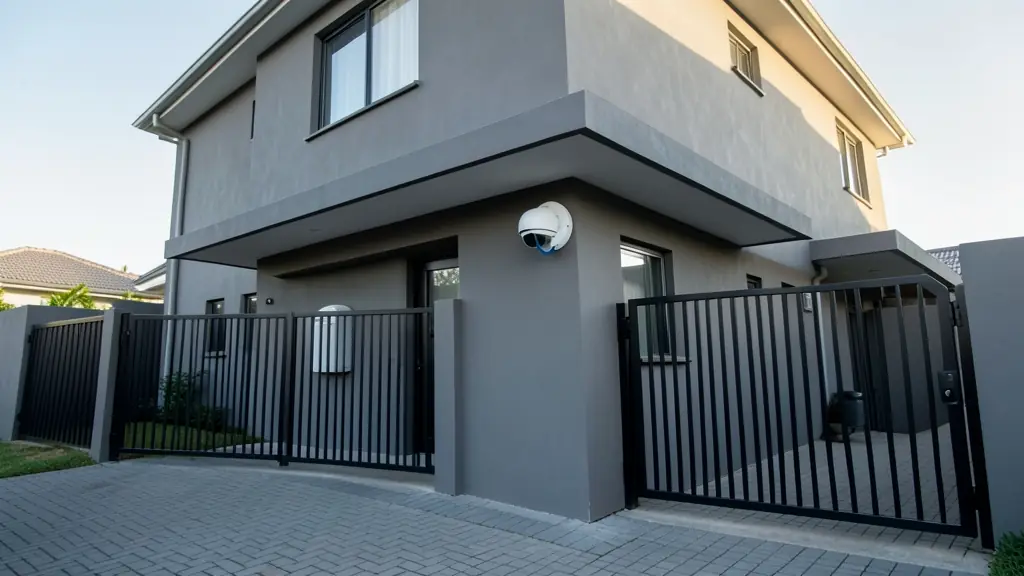
An IP camera is a small computer with a lens. It turns the picture into data inside the camera and sends it over a network cable, the same kind your router uses. For a new double storey in Midstream, a dental practice in Rosebank or a parts warehouse in Jet Park, that means each camera gets one Cat6 run, and the whole system lives on a network, with all the good and bad that brings.
PoE: one Cat6 cable for power and data
A PoE IP camera takes its power from the same Cat6 cable that carries its video. The power comes from a PoE switch, or from the PoE ports on the back of an NVR. No plug point at each camera, no separate supply box in the roof. Keep each run under about 100 m, use solid copper Cat6, and total the watts in the PoE power budget calculator so the switch and the UPS can carry every camera through load shedding.
The NVR, a PC, and ONVIF for mixing makes
Most IP systems record to an NVR with a surveillance hard drive. A PC running recording software also works. ONVIF is the common language that allows mixing makes: maker A's camera, maker B's NVR. Video and basic motion usually come through fine, while extras such as line crossing tend to need a matched pair. Ask the installer what mixing costs you in features.
H.265 and smart detection inside the camera
H.265 squeezes video harder than the older H.264, so a 4 MP camera recording all day usually needs only about 1 to 2 Mbps, and the drive holds more days. Many IP cameras also run person and vehicle detection on their own chip, which cuts the false alerts from trees, cats and passing headlights. See 4K cameras if detail at distance is the goal.
IP camera vs analog, and keeping the network safe
In plain words: analogue (CCTV over coax) sends a video signal to a DVR; IP sends data to an NVR over a network. IP gives more resolution, smarter detection and easier growth; coax is simpler and reuses old cable. The network side needs care:
- Replace the factory passwords before the system goes live.
- Put the cameras on their own network or VLAN, never on the guest WiFi.
- Keep the firmware updated, and switch off remote features you do not use.
What to put in your request
- Say how many cameras and where
- Give rough cable distances to each
- Say where the NVR and switch will go
- Mention the existing network and router
- Say whether smart alerts matter to you
IP Cameras: who asks for them and why
- Freestanding houses: PoE cameras on Cat6 to an NVR in a cupboard, kept running on the inverter
- Flats, townhouses and complexes: an IP system on its own network, with remote viewing for the trustees
- Shops, salons and restaurants: smart alerts at the back door after hours and a sharp view of the till
- Offices and practices: IP cameras on a separate VLAN, recorded on an NVR in the server room
- Warehouses, workshops and yards: PoE switches near the racking, line crossing on the loading bay doors
- Farms and smallholdings: IP cameras linked by wireless bridge or fibre from the house to far sheds
- Schools, churches and clubs: a growing IP system, adding cameras block by block as the budget allows
- Building and temporary sites: PoE cameras on a switch in the container, linked out over a 4G router
Frequently asked questions
Do I need a PoE switch for a PoE IP camera?
Can an IP camera system share the office network?
Is IP always better than coax?
Who quotes on an IP camera system?
Work it out first
- Camera storage calculatorCameras, resolution, codec, hours and days in: the hard drive in TB and the days it keeps out
- Camera bandwidth calculatorCameras, quality and how much you watch in: upload Mbps for remote viewing and GB a month for 4G out
- PoE power budget calculatorFixed, colour and PTZ cameras, the NVR and router in: PoE watts, the switch and UPS time out