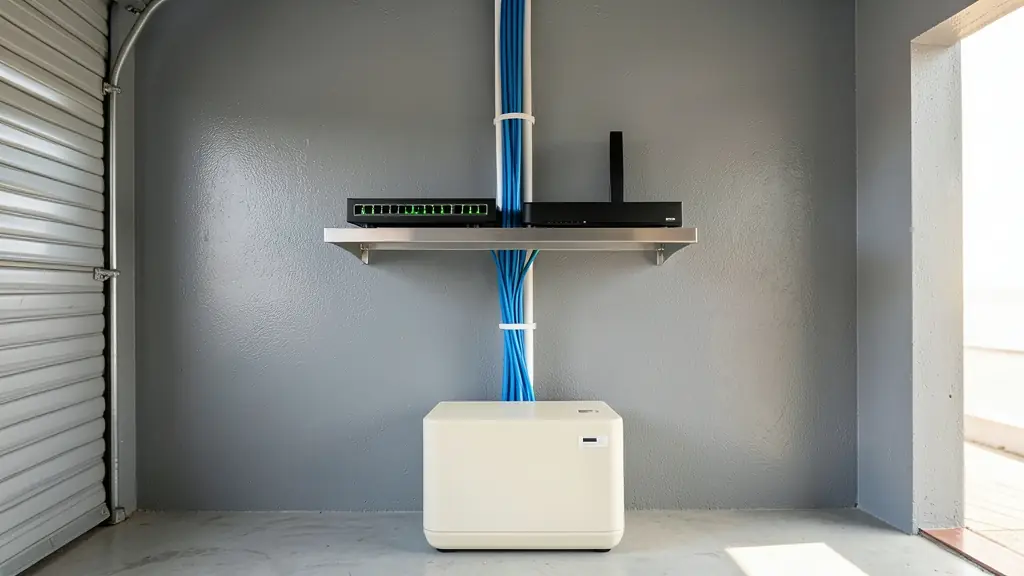
One Cat6 cable carries both power and video to an IP camera, so the PoE switch or the recorder's PoE ports become the power supply for the whole system. This PoE power budget calculator checks the switch can carry your cameras at night, when the IR is on, and how long a battery keeps them recording when the power goes. For the cameras themselves, read IP cameras.
Watts per camera
The tool uses the most each class of camera draws, because night is when it matters:
- Fixed IR cameras: about 5 W with the IR on, on 802.3af PoE, class 3.
- Colour, dual light and 8 MP cameras: about 7 W, still on 802.3af.
- PTZ cameras with IR: about 20 W while they move with the IR on, which needs PoE+ (802.3at, class 4).
It adds a quarter on top for losses on long cable runs and for the surge when the cameras start up together after an outage.
Choosing the switch
A switch has two limits: the number of PoE ports and the total PoE budget. A cheap 8 port switch with a small budget may carry eight fixed cameras but not a PTZ as well, and the camera that runs short reboots every night when the IR comes on. An NVR with built in PoE ports has its own total too, often lower than a separate switch. Keep cable runs under about 100 metres, use solid copper Cat6, and see security camera cables for the rest of the supplies.
UPS time and load shedding
Put the PoE switch, the recorder and the router on the same UPS, or the cameras record but nobody gets the alert. The tool counts only the share of the battery it can use without harm: about half of a lead acid battery and most of a lithium one, less the losses in the UPS. Stage 1 to 4 blocks last up to two and a half hours with switching time, and stage 5 and up up to four and a half. Two blocks close together need a battery that recharges in between, so leave a margin.
Frequently asked questions
Can I run PTZ cameras on a normal PoE switch?
What size UPS keeps eight cameras on?
Do I need an inverter as well?
Can you supply the switch and the UPS?
More tools
- Camera storage calculatorCameras, resolution, codec, hours and days in: the hard drive in TB and the days it keeps out
- Camera bandwidth calculatorCameras, quality and how much you watch in: upload Mbps for remote viewing and GB a month for 4G out
- Lens field of view calculatorLens mm, sensor, resolution and distance in: picture width, pixels per metre and DORI level out
- How many cameras calculatorGates, doors, sides and rooms in: cameras by place, recorder channels and a lens for each out
- Solar camera power calculatorCamera watts, IR hours, the city and cloudy days in: the solar panel in W and battery in Wh and Ah out
- Security camera cost calculatorCameras by type, recorder, drive, cable and fitting in: a rough rand range for the whole job, line by line