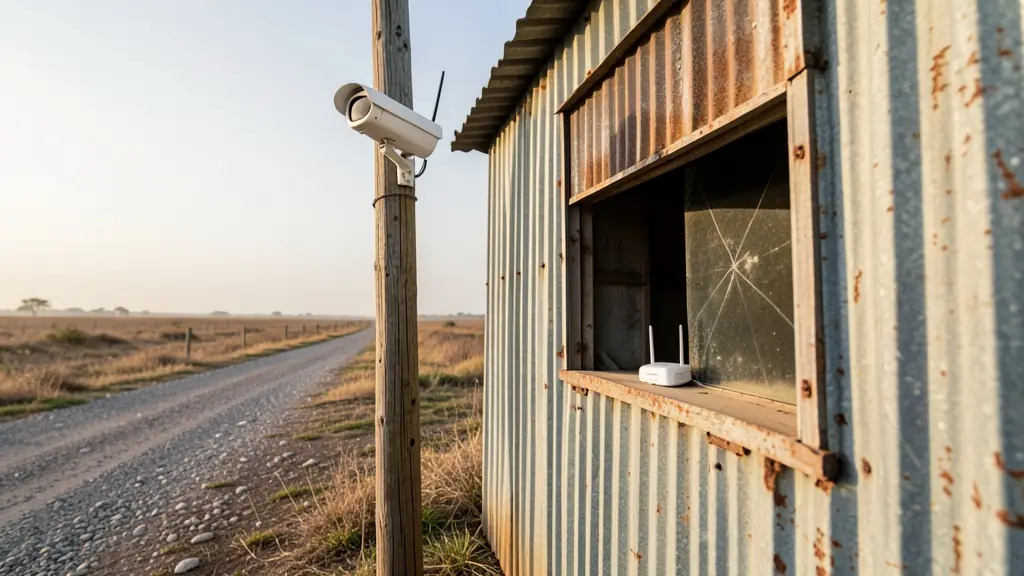
Watching cameras away from home uses the upload side of your line, the smaller number on most fibre and LTE packages. This camera bandwidth calculator shows whether your upload carries the live view you want and how many GB a month a camera on a SIM card burns. For cameras out of WiFi range, read 4G security cameras.
Main stream and sub stream
Every IP camera sends two streams. The main stream is the full picture that goes to the recorder. The sub stream is a small, light copy for viewing a grid of cameras on a phone. Opening four cameras at once on the sub stream needs about 2 Mbps of upload; the same four on the main stream can need several times that, and the picture stalls on a slow line. Most camera apps switch to the main stream only when you open one camera full screen.
Upload against what you have
Run a speed test at home and note the upload, not the download. The tool counts only part of it for video, because the line also carries the TV, the phones and the work laptop. If the answer says too much:
- switch the remote view to the sub stream;
- open fewer cameras at once;
- use H.265 or a smart codec on the cameras;
- ask the fibre provider about a package with a bigger upload.
Recording is not affected: the recorder sits on the same network as the cameras and never touches the upload.
Data on a 4G SIM camera
A camera with its own SIM sends everything over mobile data, so the monthly bundle depends on two habits: how long you watch live and how many motion clips it sends. A clip of about 20 seconds on a 4 MP camera is a few megabytes, so forty a day add up to around 6 GB a month. Half an hour of live view a day on the sub stream adds about 3 GB more. Live view on the main stream is what drains a bundle in a week. Pair it with the solar camera power calculator when the site has no mains either.
Frequently asked questions
How much upload do I need to view my cameras?
Why is my live view slow when the download speed is high?
Does a 4G camera use data when nobody watches?
Will an installer get the app working on my phone?
More tools
- Camera storage calculatorCameras, resolution, codec, hours and days in: the hard drive in TB and the days it keeps out
- Lens field of view calculatorLens mm, sensor, resolution and distance in: picture width, pixels per metre and DORI level out
- How many cameras calculatorGates, doors, sides and rooms in: cameras by place, recorder channels and a lens for each out
- PoE power budget calculatorFixed, colour and PTZ cameras, the NVR and router in: PoE watts, the switch and UPS time out
- Solar camera power calculatorCamera watts, IR hours, the city and cloudy days in: the solar panel in W and battery in Wh and Ah out
- Security camera cost calculatorCameras by type, recorder, drive, cable and fitting in: a rough rand range for the whole job, line by line