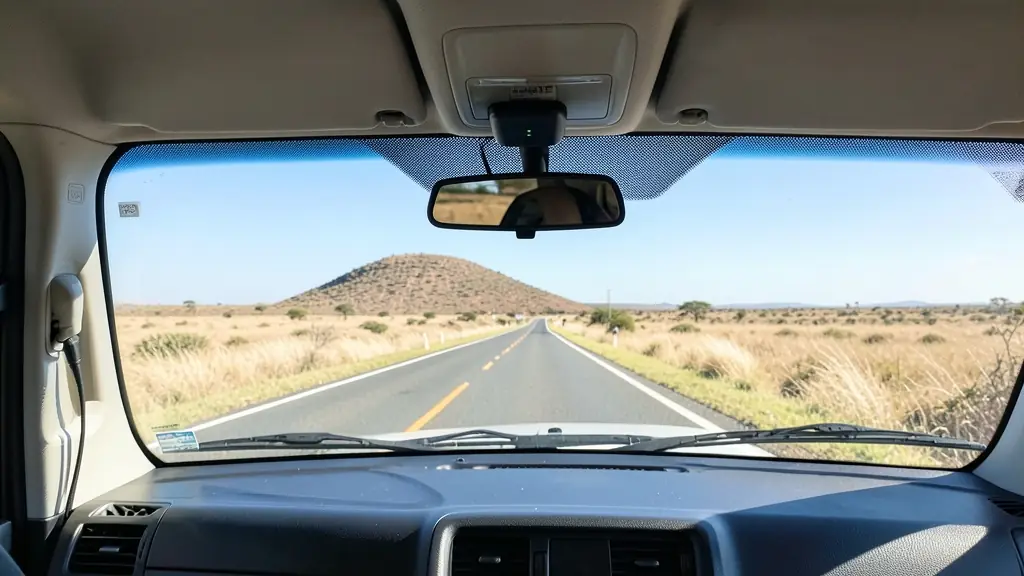
A dash cam is the camera that settles arguments: the taxi that cut across two lanes on the N3, the driver who reversed into you at the mall and then blamed you, the bakkie in your fleet that was "parked all afternoon". Choosing a dash cam for a car comes down to which views you need, whether it must watch the car while you are away, and how well it survives an African summer on the dashboard.
Front only, front and rear dash cam, or a cabin camera
- Front only: enough for most commuters, and the cheapest to fit.
- Front and rear: a second small camera on the back window catches the rear end shunt, the most common claim.
- Front and cabin: an inward camera with IR for e-hailing and shuttle drivers working at night. Tell passengers it is there, and get advice before recording sound in the cabin, because recording conversations carries legal risk.
Parking mode and hardwiring to the fuse box
Plugged into the cigarette lighter, most dash cams stop when the engine stops. Parking mode, which wakes the camera when the car is bumped or someone walks past, needs a hardwire kit run to the fuse box with a low voltage cut off, so a weekend at the airport does not leave you with a flat battery. A fitter tucks the cable behind the headliner and pillar trim, where a loose wire cannot drop across the view. That is why many people search for dash cam installation near me rather than doing it themselves.
Heat, cards and what fails first
A closed car in Polokwane in January bakes the dashboard. Cameras that use a supercapacitor instead of a lithium battery usually cope with heat better and do not swell. The microSD card is the part that dies most often: a dash cam writes to it all day, so buy a high endurance card, format it every month or two and check now and then that it still records. A GPS model stamps speed and position on the clip, which helps when the other driver says you were speeding.
Fleet dash cams with 4G
A fleet owner with twenty bakkies can get dash cams with a SIM that send an alert and a short clip after harsh braking or a crash, often through a vehicle tracking company. Each vehicle then needs a data plan; the camera bandwidth calculator gives a feel for monthly GB, and the 4G cameras page explains what uses data.
What to put in your request
- Say the make and type of each vehicle
- Say front only, front and rear, or cabin
- Say if you want parking mode
- Say how many vehicles for a fleet
- Say if you want GPS or 4G alerts
Dash Cams: who asks for them and why
- Freestanding houses: a front and rear camera on the family car, with parking mode in the driveway
- Flats, townhouses and complexes: parking mode on a car left in an open bay where scrapes keep happening
- Shops, salons and restaurants: a camera on the delivery bakkie that drops stock between branches every day
- Offices and practices: dash cams on pool cars so damage and kilometres can be traced to a trip
- Warehouses, workshops and yards: cameras on delivery trucks and vans leaving the loading bay all day
- Farms and smallholdings: a front camera on the farm bakkie on gravel roads and long trips to town
- Schools, churches and clubs: front and cabin cameras on the school bus or the lift club minibus
- Building and temporary sites: cameras on tipper trucks and site bakkies, with 4G alerts back to the office
Frequently asked questions
Will dash cam footage help an insurance claim?
Where may a dash cam go on the windscreen?
What decides the dash cam price?
Who quotes when I ask for dash cams here?
Work it out first
- Camera storage calculatorCameras, resolution, codec, hours and days in: the hard drive in TB and the days it keeps out
- Camera bandwidth calculatorCameras, quality and how much you watch in: upload Mbps for remote viewing and GB a month for 4G out
- Lens field of view calculatorLens mm, sensor, resolution and distance in: picture width, pixels per metre and DORI level out