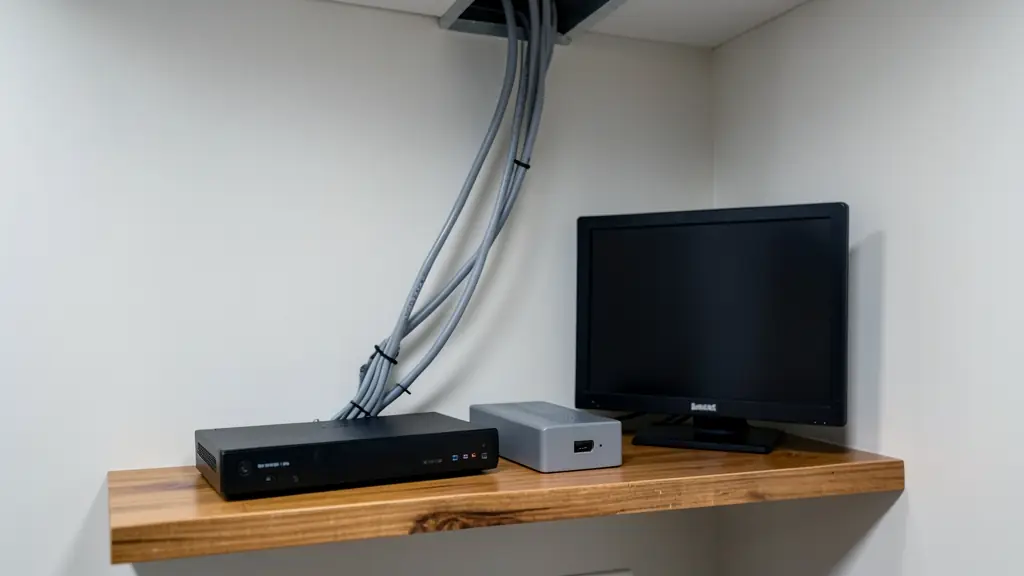
A security camera system is more than the cameras on the wall. Behind them sits a recorder, a hard drive, power for every camera, a UPS, an app and someone who reacts to an alert. When one of those links is weak, the whole system fails at the wrong moment. This page covers the parts, how to size a system for a house or a complex, and how to plan so it can grow.
What a complete system is made of
- Cameras chosen for each spot, with the right lens for the distance.
- A recorder: an NVR for IP cameras or a DVR for HD over coax. See NVR and DVR recorders.
- A surveillance hard drive sized for the days of footage you want.
- Power: a PoE switch, or 12 V power supplies for coax cameras.
- A UPS so the recorder and switch keep going through load shedding.
- The app on every phone that should see the cameras, with its own login.
- Alerts set to the areas that matter, and a person or company who acts on them.
Sizing a home security camera system or a complex
Recorders are sold with 4, 8, 16 or 32 channels. Count your cameras and add room: a house with six cameras belongs on an 8 channel unit, not a 6 that is already full. On storage, a house with four 4 MP cameras running nonstop typically fills 2 TB somewhere between a fortnight and a month, and motion only recording stretches that. Check your own mix in the camera storage calculator.
A Midrand complex replacing a tired DVR and twelve analogue cameras has extra questions: who at the body corporate may view footage, whether the guardhouse gets a screen, and how long recordings are kept. POPIA expects a sign at the entrance and limits on access.
Who reacts when the system sees something
Footage nobody watches is only evidence after the fact. Set line crossing or person detection on the wall and the driveway so your phone rings for a real event, not every moving branch. If you want someone to respond at 2am, ask your armed response company whether it offers video verification, where a controller looks at the clip before sending a car.
Leave room to grow
Ask for spare recorder channels and spare ports on the PoE switch. Run an extra cable to the far corner while the ceiling is open. ONVIF cameras usually make it easier to add another make later. Size the UPS for more cameras than you have today; the PoE power budget calculator shows the watts.
What to put in your request
- Count the cameras you want now and later
- Say how many days of footage to keep
- Mention cameras or cable already in place
- Say who must see the app
- Name your armed response company if any
Security Camera Systems: who asks for them and why
- Freestanding houses: six to eight cameras on one recorder, a UPS by the router and alerts on two phones
- Flats, townhouses and complexes: a sixteen channel recorder for the boom gate, the perimeter and the visitor parking
- Shops, salons and restaurants: a recorder hidden in the back office with cameras on the till, door and stockroom
- Offices and practices: cameras at reception and the parking, viewed by the manager on a separate login
- Warehouses, workshops and yards: a thirty two channel system across bays, racking aisles and the yard fence
- Farms and smallholdings: a recorder at the house, with wireless bridges or solar cameras at the far sheds
- Schools, churches and clubs: a system the governing body controls, with limited viewing and fixed retention times
- Building and temporary sites: a temporary solar and 4G system that moves with the contractor to the next job