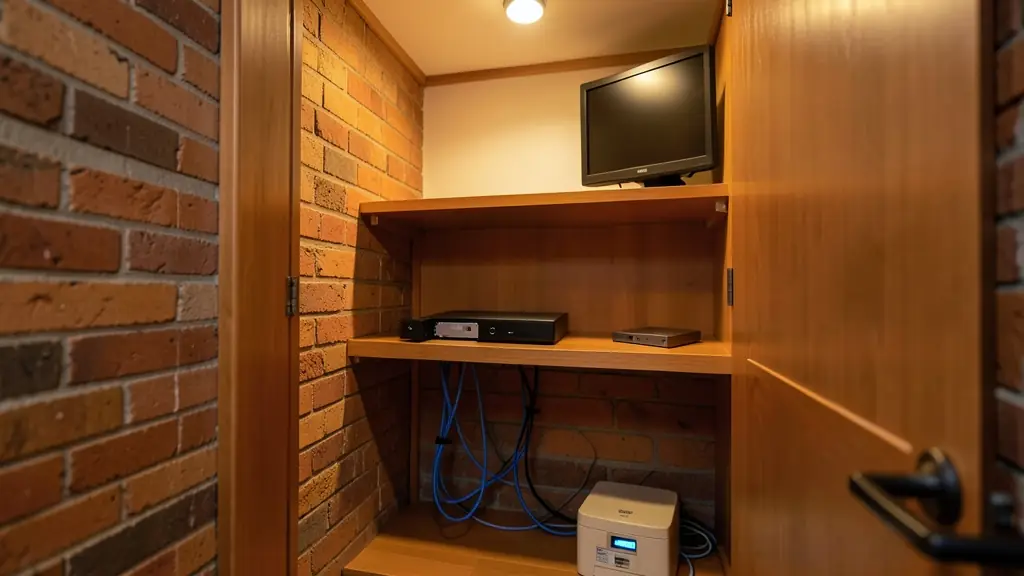
The question after a break in is always the same: how far back does the recorder go? This camera storage calculator answers it before you need it. It turns your cameras, their resolution and the codec into gigabytes a day, then into the TB of hard drive that keeps the days you want. For the recorder itself, read NVR recorders.
What fills a hard drive
Each camera sends a steady stream of video, measured in megabits a second. The tool starts from a typical bitrate for the resolution, then adjusts it:
- Codec: H.265 needs about half the bits of H.264 for the same picture, and H.265+ or a smart codec trims another third or so on a quiet scene.
- Frame rate: 15 fps is plenty for a yard; 25 or 30 fps doubles the space for smoother movement you seldom need.
- Hours and motion: recording only at night, or only when something moves, cuts the total hard.
A 4 MP camera on H.265 at 15 fps lands near 2 Mbps, or about 21.6 GB a day.
Continuous or motion recording
Motion recording keeps far more days on the same drive, but it has a cost. A camera that wakes late misses the first second of the person at the gate, so set a few seconds of pre record; the tool pads the motion share for it. Trees, washing on the line, headlights and spider webs can trigger motion all night and fill the drive as if it recorded nonstop. Many installers record the gate and the till continuously and the back of the yard on motion.
Reading the answer
The tool keeps a tenth of the drive free for the recorder's own files, then rounds up to the next drive size. Above 20 TB it splits the space over two or more drives, which needs a recorder with that many bays. When the drive is full, the recorder writes over the oldest footage, so the days shown are how far back you can look on any given morning. Buy a surveillance hard drive, not a desktop one, because it is built to write all day. Higher resolution needs more of everything: see 4K security cameras.
Frequently asked questions
How many days does a 1 TB drive keep?
Why does my recorder hold fewer days than the tool says?
Should I lower the frame rate to save space?
Can you supply the drive and fit it?
More tools
- Camera bandwidth calculatorCameras, quality and how much you watch in: upload Mbps for remote viewing and GB a month for 4G out
- Lens field of view calculatorLens mm, sensor, resolution and distance in: picture width, pixels per metre and DORI level out
- How many cameras calculatorGates, doors, sides and rooms in: cameras by place, recorder channels and a lens for each out
- PoE power budget calculatorFixed, colour and PTZ cameras, the NVR and router in: PoE watts, the switch and UPS time out
- Solar camera power calculatorCamera watts, IR hours, the city and cloudy days in: the solar panel in W and battery in Wh and Ah out
- Security camera cost calculatorCameras by type, recorder, drive, cable and fitting in: a rough rand range for the whole job, line by line