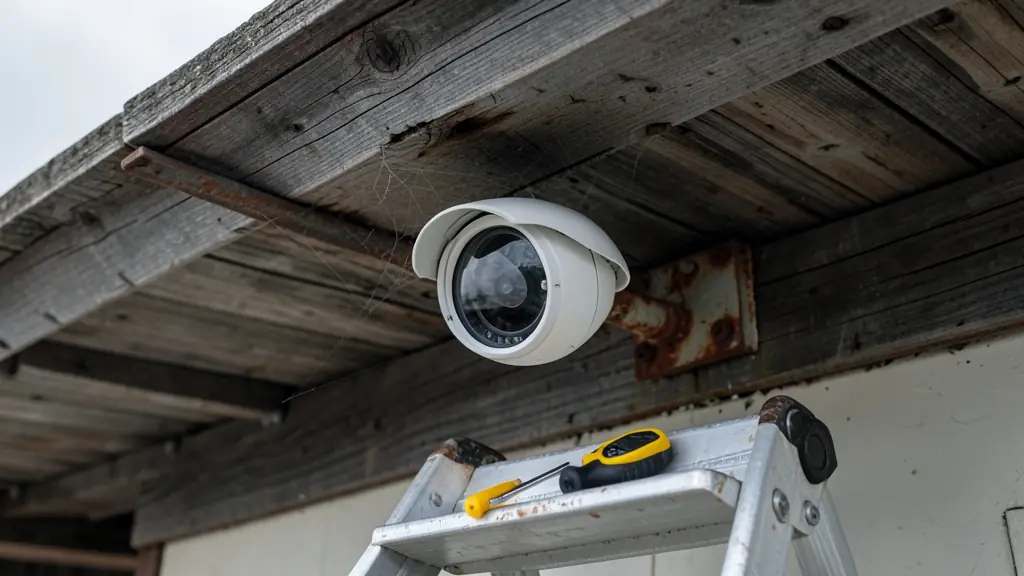
A security camera light flashing red or blue, a channel gone black on the monitor, or an app that just says offline: most camera faults come down to a handful of causes, and some you can find yourself in ten minutes. Others need a technician with a tester and spare parts. This page walks through the usual suspects, in the order an experienced repair tech would check them, and ends with the repair or replace question.
What the flashing usually means
Status lights differ between makes, so check the manual, but the patterns are broadly similar. A slow flash often means the camera is waiting for a network or WiFi setup. A fast flash or a steady red can mean it lost its connection or failed to get an address after a router change. No light at all usually points to power. On WiFi cameras a light that cycles through colours can mean it reset itself to factory settings, often after a power surge.
Checks you can do before calling anyone
- Is it one camera or all of them? All of them points to the recorder, the PoE switch or the power, not the cameras.
- Restart the router, the recorder and the camera's power supply, in that order.
- Look at the plug and the 12 V adapter. Cheap adapters die often and are cheap to swap.
- New router or new fibre company? The app may simply need the system added again with the new network details.
- Check the recorder's hard drive status in its menu. A failed or full drive stops recording without warning.
Faults that need a technician
A pink or purple picture during the day usually means the IR cut filter is stuck. A blurry image that will not focus may be moisture inside the housing. IR that has gone dark, a camera that reboots every few minutes and several cameras dead after a storm all suggest a failing board or lightning damage through the cable. A technician can test each run, swap a PoE port and fit surge protection. Most charge a call out fee plus parts. Read security camera cables for what fails between camera and recorder.
Repair or replace
If an old analogue system has three dead cameras and a recorder that cannot run a current app, replacing it may cost little more than chasing faults. A newer system with one failed camera is usually worth fixing. Ask the technician for both options in writing. If you upgrade, check whether the existing coax or Cat6 can be reused: see CCTV cameras and NVR recorders. The PoE power budget calculator shows whether a tired switch is simply overloaded.
What to put in your request
- Say what the light does and which colour
- Say how many cameras are affected
- Mention storms, power cuts or a new router
- Give the recorder type if you know it
- Say whether you have the admin password
Security Camera Repairs: who asks for them and why
- Freestanding houses: a camera at the gate that went offline after the fibre company swapped the router
- Flats, townhouses and complexes: a body corporate DVR with three black channels and nobody holding the admin password
- Shops, salons and restaurants: a till camera whose picture turned pink in daylight right before stocktake
- Offices and practices: a recorder that stopped recording weeks ago because its hard drive quietly failed
- Warehouses, workshops and yards: several bay cameras dead after a storm, pointing to surge damage on the runs
- Farms and smallholdings: a camera at the far gate with water inside the housing and a fogged lens
- Schools, churches and clubs: night vision gone dark on the field cameras after a power supply burnt out
- Building and temporary sites: a solar camera that drops off overnight because its battery no longer holds charge
Frequently asked questions
How do I connect a CCTV camera to my phone again after a router change?
Which app for a CCTV camera should I use?
Are CCTV repairs worth it on a cheap camera?
Who will come out to fix my cameras?
Work it out first
- Camera storage calculatorCameras, resolution, codec, hours and days in: the hard drive in TB and the days it keeps out
- Camera bandwidth calculatorCameras, quality and how much you watch in: upload Mbps for remote viewing and GB a month for 4G out
- Lens field of view calculatorLens mm, sensor, resolution and distance in: picture width, pixels per metre and DORI level out